 to add a version that is prepopulated with data from the current active version.
 to add a version that is empty of all data.
Use the Versions tab to create different versions of a model. You will want to create a new version if your processes or list of entities have changed dramatically from your current version.
to add a version that is prepopulated with data from the current active version. to add a version that is empty of all data.To ensure that you are copying from the correct version, look at the version tabs located at the top screen. The active version will be highlighted.
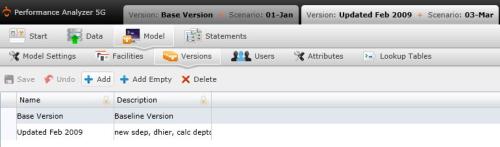
The Version table is divided into the following columns:
Related Topics: